
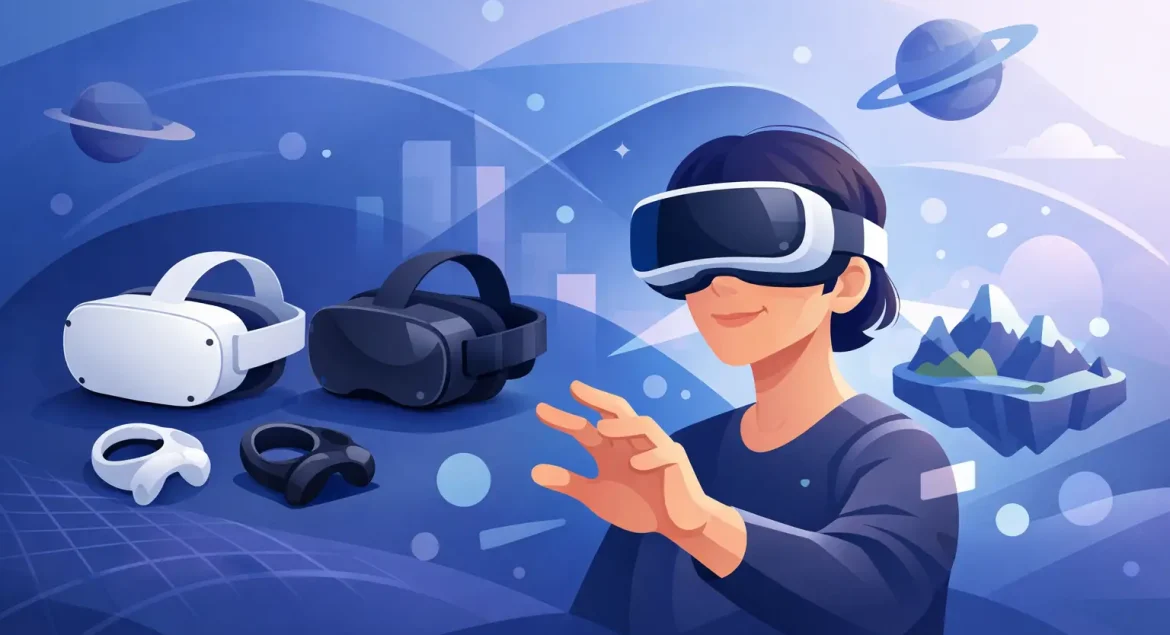
Buying your first VR headset usually starts the same way – one quick search, then ten tabs open, a pile of specs, and no clear answer on what actually matters. If you’re shopping for a vr headset for beginners, the goal is not to buy the most advanced model. It is to find one that feels easy to set up, comfortable to wear, and good enough to make VR fun from day one.
That matters because beginner buyers often overpay for features they may not use, or choose the cheapest option and end up with weak tracking, poor comfort, or limited content support. A better approach is to shop by use case first, then compare the core hardware details that affect everyday use.
What makes a VR headset for beginners a good choice?
A beginner-friendly headset should remove friction. That means quick setup, a clear interface, solid motion tracking, and enough comfort for sessions longer than ten minutes. If a headset feels heavy, loses tracking often, or requires extra accessories before it becomes usable, it stops being beginner-friendly no matter how impressive the spec sheet looks.
For most first-time buyers, standalone VR is the easiest place to start. These headsets work without a separate PC or console for core functions, which cuts down on cables, room requirements, and setup time. They are usually the simplest option for casual gaming, fitness apps, media viewing, and social VR.
Tethered headsets still make sense in some cases. If you already own a capable gaming PC and want higher-end graphics, a PC VR model may offer better visual performance and deeper game libraries. The trade-off is more complexity. You need compatible hardware, enough space, and patience for setup.
Start with the type of VR headset you want
The first filter is not brand. It is platform.
Standalone headsets
These are the easiest models for most shoppers. Everything you need is built into the headset, including processing power, tracking, and access to apps. They suit beginners who want fast setup and less cable management. They also tend to be the most practical choice for homes where the headset may be shared between family members.
The trade-off is raw performance. A standalone headset can be excellent for most users, but visuals and game complexity may not match a strong PC VR setup.
PC VR headsets
These are better for buyers who already own gaming hardware and want stronger graphics, wider enthusiast support, or specific PC-only titles. If you are the type of customer who already shops for gaming laptops, GPUs, or performance accessories, this route may be worth considering.
For true beginners, though, PC VR can feel like a bigger project than a purchase. Compatibility matters more, setup takes longer, and the cost often rises once accessories are included.
Console-compatible VR
This is the middle ground for some buyers. If you already play on console and want VR without building a gaming PC, a console-ready headset can be a practical match. The main limit is ecosystem lock-in. You are buying into one platform, so your headset choice depends heavily on the console you already own.
The features beginners should pay attention to
Specs can make every headset look technical. In practice, a few features affect the experience more than the rest.
Comfort and fit
This is one of the biggest factors for first-time users. A headset can have a strong display and good tracking, but if it feels front-heavy or presses too hard around the face, you will use it less. Look for adjustable straps, balanced weight distribution, and enough room for different head sizes. If you wear glasses, check whether the headset supports them or offers lens spacing adjustments.
Display clarity
Resolution matters, but it is not the only part of image quality. Lens quality, refresh rate, and how clearly text appears in menus also affect how comfortable VR feels. Beginners often notice blurry text and screen-door effect before they notice high-end visual gains. A headset that looks sharp enough for menus, games, and video apps is usually the better starting point than one chasing enthusiast-level numbers on paper.
Tracking quality
Good tracking keeps movement smooth and believable. Poor tracking breaks immersion quickly. For beginners, inside-out tracking is usually the most convenient option because the headset uses built-in cameras instead of requiring external sensors. It is easier to set up and works well for most home users.
Controller design
Controllers should feel intuitive within minutes. If button placement is awkward or hand tracking is inconsistent, new users get frustrated fast. Some headsets also support hand tracking without controllers, which can be useful for media and simple navigation, though controllers are still better for most games.
Content library
A strong content ecosystem matters more than many buyers expect. Even a good headset can feel limited if the app store is narrow or if the titles you actually want are unavailable. Before buying, think about whether you want fitness apps, rhythm games, racing, social spaces, streaming, or educational content. The best headset is the one that supports how you plan to use it.
How much should you spend on a vr headset for beginners?
Most beginner buyers do not need the most expensive headset in the category. Entry-level to mid-range models are usually the sweet spot because they cover the basics well without pushing you into enthusiast pricing.
At the lower end, you may save money but give up comfort, tracking consistency, or display quality. At the high end, you may pay for premium visuals, advanced optics, or ecosystem extras that matter more to experienced users than new ones. For many households, the best value sits in the middle – enough quality to feel impressive, without paying extra for marginal gains.
It is also smart to budget for accessories. A better head strap, protective case, replacement face cushion, charging dock, or spare controller batteries can improve daily use more than a minor jump in resolution. This is especially relevant for shared home use or buyers shopping from a broad electronics store like Tech 2 Tech, where supporting accessories are part of the overall buying decision.
Common mistakes first-time buyers make
One common mistake is buying based only on price. Cheap VR can be tempting, but if setup is frustrating or image quality feels poor, the headset may end up unused. Low price only works when the basics are still solid.
Another mistake is ignoring compatibility. Some buyers assume every headset works with every PC, console, or app library. That is not the case. Always check platform support, connection requirements, and whether any extra hardware is needed.
A third mistake is overlooking space. Room-scale VR sounds great, but not every home has a clear play area. If your space is limited, prioritize a headset that works well sitting down or in a small standing zone.
Which beginner buyer are you?
The casual user usually does best with a standalone headset that starts quickly and covers gaming, streaming, and light fitness. The student or family shopper often benefits from the same choice because it is easier to share and manage.
The gamer with a strong desktop setup may want PC VR for better visuals and a broader enthusiast library. The console owner should focus on the headset designed for that platform rather than trying to force flexibility where there is none.
If you are buying for a gift, ease of use matters even more. A beginner-friendly model with simple onboarding is usually the safer pick than a technically superior headset with a steeper learning curve.
How to compare models without getting lost
When comparing options, keep your checklist short. Look at platform type, comfort, tracking, display clarity, content support, and total cost with accessories. That gives you a clearer view than comparing isolated spec numbers.
Brand matters too, but mostly in terms of ecosystem support, software updates, and accessory availability. Well-known brands often have stronger app support and better long-term usability, which is useful for buyers who want a straightforward ownership experience.
It also helps to think one step past the headset itself. Will you need a carrying case, charging solution, replacement straps, or audio accessories? The best purchase is not only the headset that fits your budget. It is the one that fits your setup at home and stays convenient after the first week.
Final buying advice for a VR headset for beginners
The right first headset should feel approachable, not ambitious. Good VR is supposed to reduce friction, not add another complicated device to manage. If you focus on comfort, platform fit, content library, and practical setup, you are much more likely to choose a headset you will actually keep using.
A beginner does not need the most advanced headset on the shelf. They need one that works well, feels comfortable, and makes the first hour in VR easy enough to turn into the second.